
Audio Only YouTube — Listen Without Video
Free Chrome extension to blur YouTube videos and save bandwidth.
Listen to podcasts, music, and lectures on YouTube without the visual distraction. Works like audio-only mode — perfect for background listening while you work.
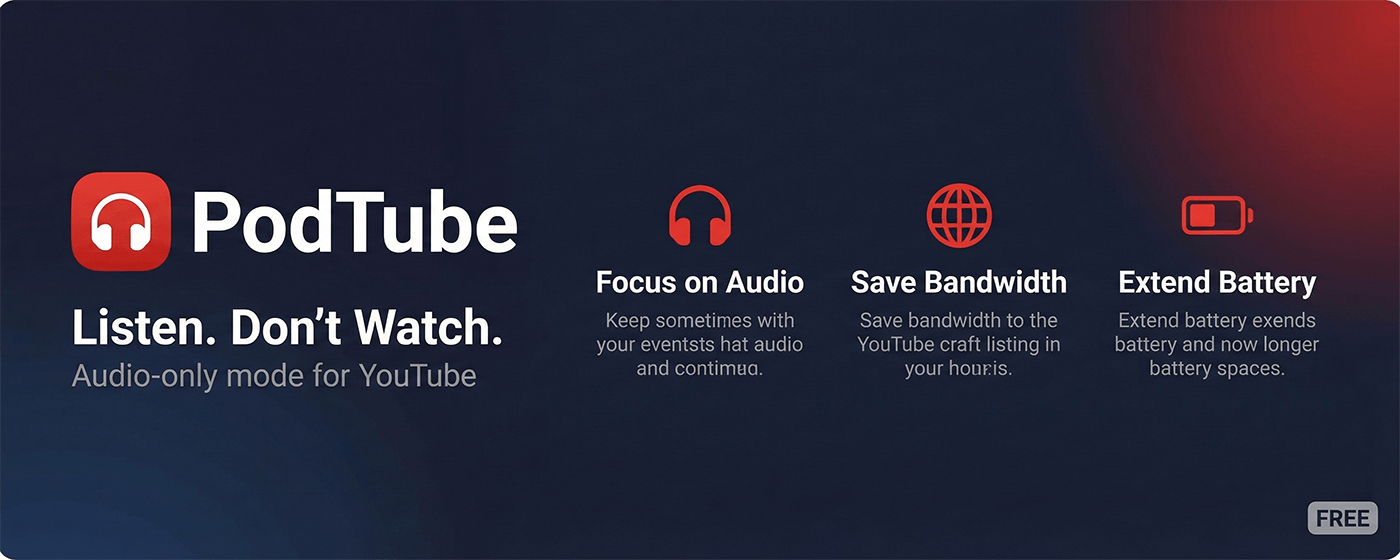
Audio-Only YouTube Features
Everything you need to listen to YouTube without watching the video.
How to Get Audio-Only YouTube in 3 Steps
Start listening to YouTube without the video in under 30 seconds.
Install PodTube Extension
Add to Chrome free — no account or signup required.
Open Any YouTube Video
Navigate to a podcast, music video, or lecture on youtube.com.
Enable Audio-Only Mode
Press Shift+A or click the headphones icon to blur video and listen audio-only.
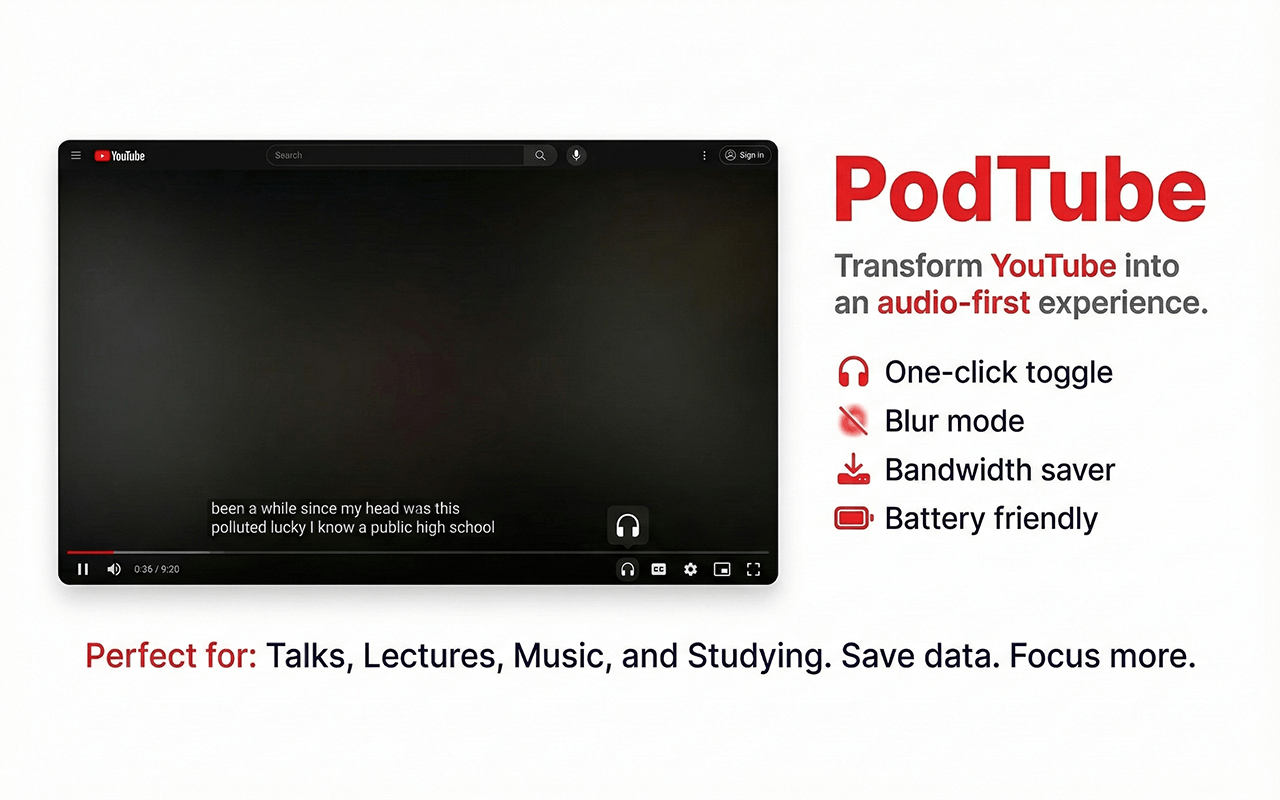
See It In Action
Blur the video. Keep the controls.
What People Say
Join thousands of users who focus better with Audio-only.
"Finally I can listen to podcasts on YouTube without the distraction."
"Saves my mobile data when I'm just listening to music."
"Simple, does exactly what it says. Love it."
Audio-Only YouTube FAQ
Common questions about listening to YouTube without video.
Ready to focus?
Join thousands of users and experience YouTube without the distractions.